
WAEC Result Checker – How to Check Your WAEC Result Online, Via Scratch Card and SMS
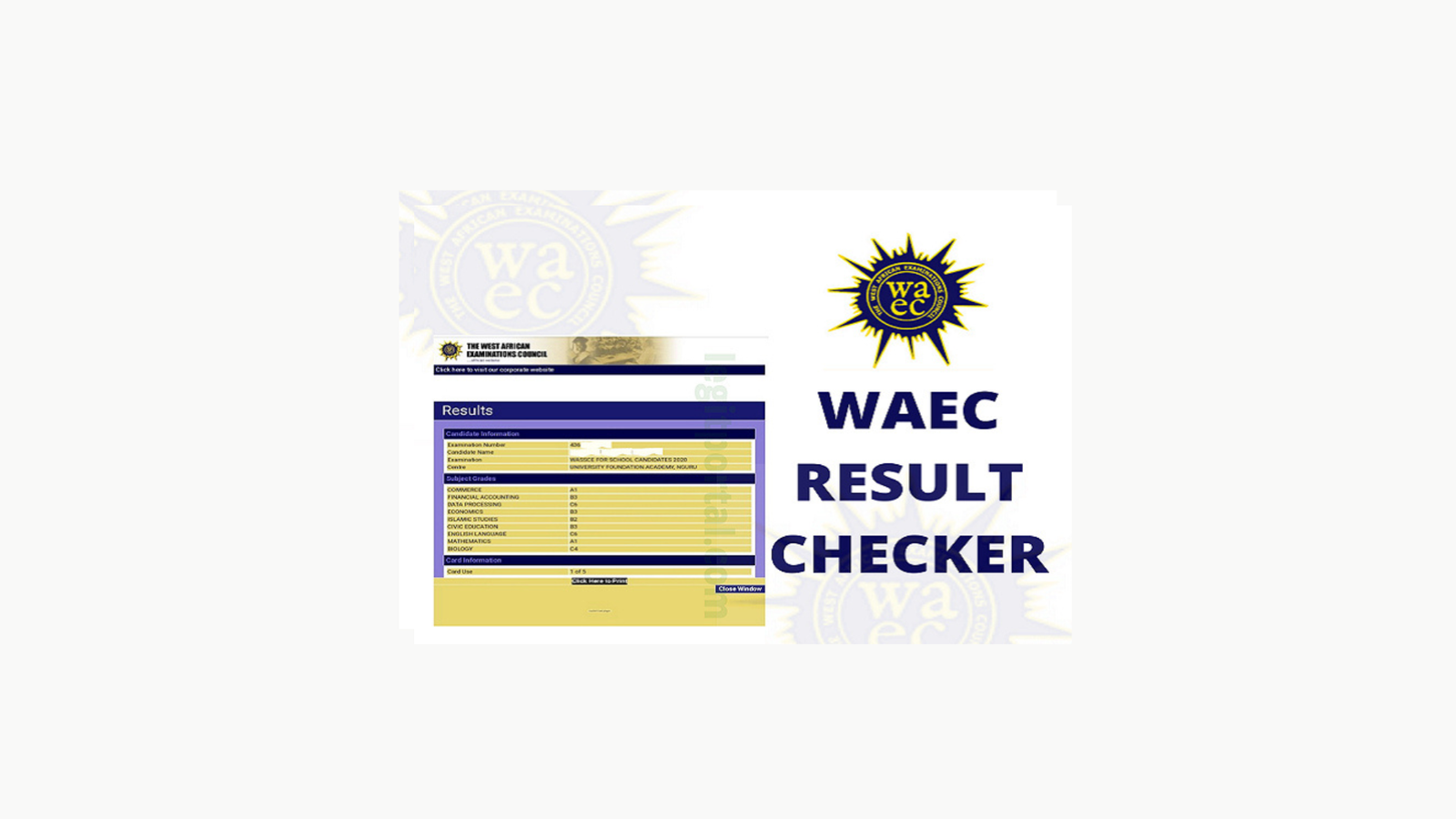
The WAEC result checker is the quickest way to find out how you performed in your West African Senior School Certificate Examination (WASSCE) and if you’re not sure how to use it, you’re in the right place.
A lot of candidates finish their exams and then don’t know where to start when results drop. Do you need a scratch card? Can you check online without one? What about SMS? These are valid questions, and this guide answers all of them.
By the time you finish reading, you’ll know exactly how to check your WAEC result using any of the three available methods, what your grades mean, and what to do if something goes wrong.
Before You Use the WAEC Result Checker, Get These Ready
Let’s not waste time troubleshooting avoidable problems. Before you open any portal or send any SMS, make sure you have the following:
- Your WAEC Examination Number. Printed on your exam card
- Your WAEC scratch card. If you’re checking online with one
- Exam year
- A stable internet connection. for online checking
- Your phone number for SMS checking
The most important item on that list is your examination number. Without it, none of the methods below will work. If you’ve lost yours, your school’s exam officer should have it on record so go there first before anything else.
How to Use the WAEC Result Checker – 3 Methods That Work
There are three ways to check your WAEC result, and each one works depending on what you have available. You can go online with a scratch card, pay directly online without a card, or check via SMS if you don’t have internet access at all. Let’s break each one down.
Method 1: Check Your WAEC Result Online Using a Scratch Card
This is the method most candidates use and it’s pretty straightforward once you know the steps.
Step 1: Buy a WAEC scratch card
Get an original WAEC e-PIN scratch card from any authorized vendor, WAEC office, or accredited bank. It costs around ₦3500–₦5,500. Buy from a trusted source, fake cards are common and they won’t work on the portal.
Step 2: Scratch the PIN carefully
Use a coin to gently scratch the silver panel. Don’t use your fingernail, you risk damaging the PIN underneath. If even one digit is unreadable, the PIN won’t work.
Step 3: Visit the official WAEC portal
Open your browser and go to results.waec.org.ng, that’s the only legitimate WAEC result checking website. If any other site is asking for your details to show your result, close it immediately.
Step 4: Enter your details
Fill in your:
- Examination number
- Exam year
- Exam type (WASSCE – School Candidate)
- Scratch card PIN
Step 5: Submit and view your result
Click submit and your result will load showing all your subjects and grades. Take a screenshot right away and save it somewhere safe, you’ll need it for JAMB uploads, Post UTME, and school applications.
One thing to note: Each scratch card PIN is valid for only 5 checks. After the fifth use, it expires. So don’t share your PIN carelessly.
Method 2: Use the WAEC Result Checker Online Without a Scratch Card
Don’t have a scratch card? No problem. WAEC has a token-based payment option that lets you check your result by paying directly online, no physical card needed.
This method is actually faster and more convenient, especially if scratch cards are hard to find in your area. Here’s what to do:
Step 1: Go to WAECDIRECT Portal
Step 2: Select the online token payment option
Step 3: Pay the required fee using your debit card, bank transfer, or USSD code
Step 4: A PIN token will be generated for you instantly after payment
Step 5: Use that token exactly like a scratch card PIN to access your result
The process takes less than five minutes from payment to viewing your result. If your debit card is handy, this is honestly the smoothest option.
Method 3: Check Your WAEC Result Via SMS
No internet? No problem either. You can check your WAEC result using just your phone and a few naira airtime. This is the SMS format to use:
Send this to 32327:
WAEC*ExamNumber*PIN*ExamYear
For example:
WAEC*4250101001*123456789012*2026
This works on MTN, Airtel, Glo, and 9mobile. Your result will come back as a text message, usually within a few minutes. Since it comes subject by subject, expect multiple messages.
Just keep in mind that SMS charges apply and the result won’t be as neatly formatted as the online version. It’s best used as a backup when you genuinely have no internet access
What Your WAEC Grades Actually Mean
Once your result is out, you need to understand what you’re looking at. A lot of candidates panic when they see certain letters without knowing what they stand for. Here’s a simple breakdown:
| Grade | Score Range | What It Means |
| A1 | 75–100% | Excellent |
| B2 | 70–74% | Very Good |
| B3 | 65–69% | Good |
| C4 | 60–64% | Credit |
| C5 | 55–59% | Credit |
| C6 | 50–54% | Credit |
| D7 | 45–49% | Pass |
| E8 | 40–44% | Pass |
| F9 | 0–39% | Fail |
For Nigerian university admission, you need a minimum of five credits (C6 and above) including English Language and Mathematics. Anything below C6 in those core subjects will affect your chances with JAMB and Post UTME screening, so know where you stand before applying.
WAEC Result Checker Not Working? Try These Fixes
Sometimes you open the portal and things just don’t go as planned. Before you panic, run through these common issues, most of them have simple fixes.
1. Your result isn’t out yet
WAEC typically releases results 6–8 weeks after the exam. If you’re checking too early, the portal simply won’t find your record. Check the WAEC website or their official social media pages for the confirmed release date.
2. Wrong examination number
One wrong digit and the system can’t find you. Cross-check your number from your exam card or contact your school’s exam officer to confirm it.
3. Result withheld
If WAEC flagged your exam for suspected malpractice, your result will show as withheld. This isn’t the end , visit your school first, then go to the nearest WAEC state office for guidance on next steps.
4. Scratch card not working
If your PIN keeps failing, it’s either expired, already used up to its limit, or fake. Switch to the online token payment method and flag the card with your vendor if it’s brand new.
5. Portal slow or not loading
Right after results drop, the WAEC portal gets hit with massive traffic. If it’s slow or timing out, don’t keep refreshing aggressively, just wait a couple of hours and try again. A different browser or clearing your cache can also help.
How to Save Your WAEC Result After Checking
This is something a lot of people overlook. The WAEC portal only lets you view your result – it doesn’t automatically save or send it anywhere. So the moment your result loads, do this:
- Screenshot every page – don’t rely on being able to check again later
- Print directly from your browser using Ctrl + P on a desktop
- Save as PDF if you need a digital copy for applications or uploads
If you need an official hard copy – for university clearance, NYSC, or international use, you’ll need to apply for your WAEC certificate or a Certified True Copy (CTC) through your school or directly at a WAEC office.
Frequently Asked Questions
How much does a WAEC scratch card cost?
Between ₦3,500 and ₦5,500 depending on the vendor. Be cautious of anyone charging significantly more – it might be a fake card.
Can I check my WAEC result for free?
No. Every result check requires payment -either through a scratch card or online token. Any website claiming to show your result for free is likely a scam. Avoid them.
How many times can I use one scratch card PIN?
Each PIN is valid for up to 5 checks. After that it expires and you’ll need a new card.
Can I check my WAEC result on my phone?
Yes. The portal works on mobile browsers -you don’t need a computer at all.
What does “result withheld” mean?
It means WAEC has flagged your exam for further review, usually due to suspected malpractice. Contact your school and visit the nearest WAEC office for clarity.
Can I check old WAEC results from previous years?
Yes. Just select the correct exam year when filling in your details on the portal.
Final Thoughts
The WAEC result checker gives you three solid ways to access your result, online with a scratch card, via direct token payment, or through SMS. Whatever method fits your situation, the most important thing is to save your result the moment it loads.
If anything goes wrong, run through the troubleshooting steps in this guide before stressing about it. Most issues are fixable in minutes.
And if your result came out great, share this guide with a friend who’s still waiting. They’ll thank you for it.